
Contact Us
Contact Us
+91-7708009900
 Accredited Registrar
Accredited Registrar
Accredited Registrar
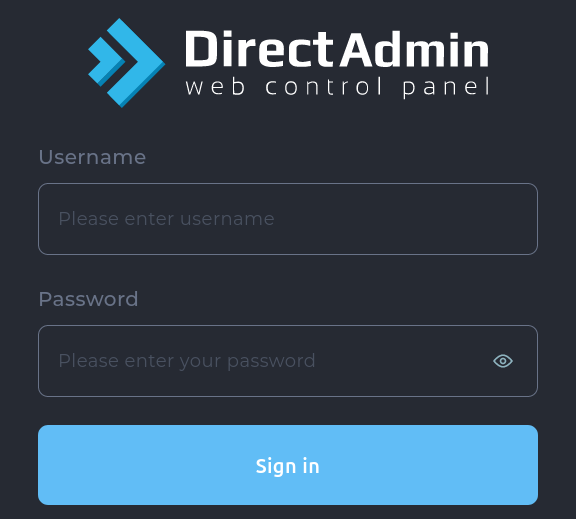
Step 1 : Login to DirectAdmin control panel. (Please check your hosting configuration mail from HIOX India for the username and password details)
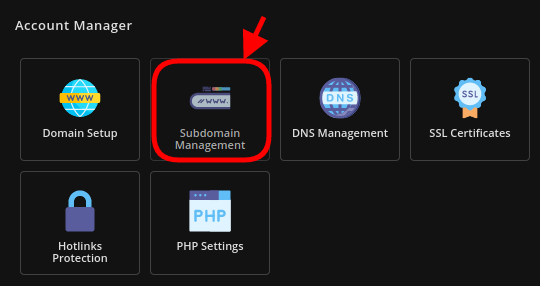
Step 3 : Under Sub-domains setup click on Add Subdomain

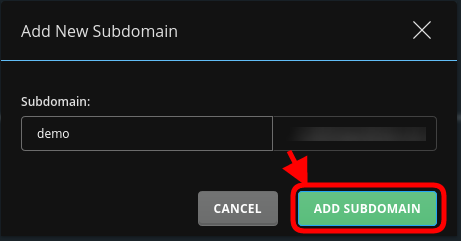
Step 4 : Input the subdomain name in the dialogue box that pops-up and click on Add Subdomain.
Step 5 : Your subdomain is created successfully.
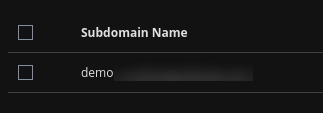
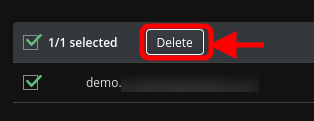
Step 6 : To delete a subdomain check the subdomain you wish to delete there appears a Delete button.
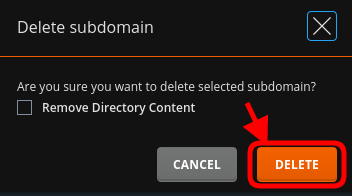
Step 7 : Confirm to delete the subdomain by clicking on the Delete button in the dialogue box that appears.
|
Not at all
helpful Not much
helpful Some what
helpful Very
helpful Extremely
helpful | ||||||||
What could be better? (Optional)
X
Not related to my issue
Too complicated explanations
Too much information
Incorrect information
Unclear information
Incomplete information
Too old information
Do you have any other feedback about this faq ? 1000
| ||||||||
 ]
]
