
Contact Us
Contact Us
+91-7708009900
 Accredited Registrar
Accredited Registrar
Accredited Registrar
How to access File manager in Direct Admin Panel?
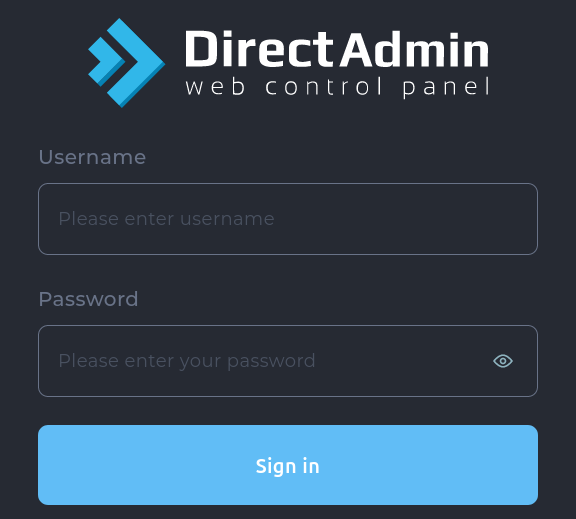
Step 1 : Login to DirectAdmin control panel. (Please check your hosting configuration mail from HIOX India for the username and password details)
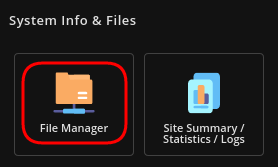
Step 2 : Go to System Info & Files -> File Manager
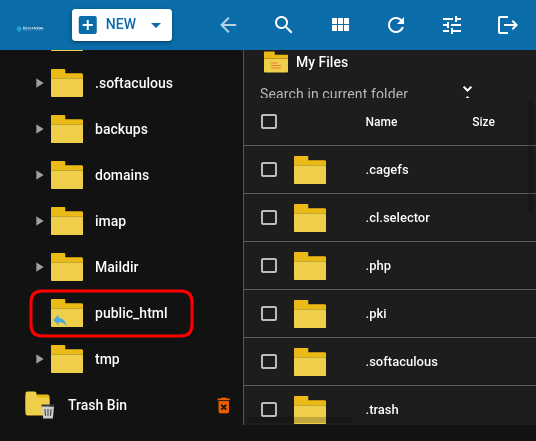
Step 4 : Choose public_html directory to upload your files and folders.
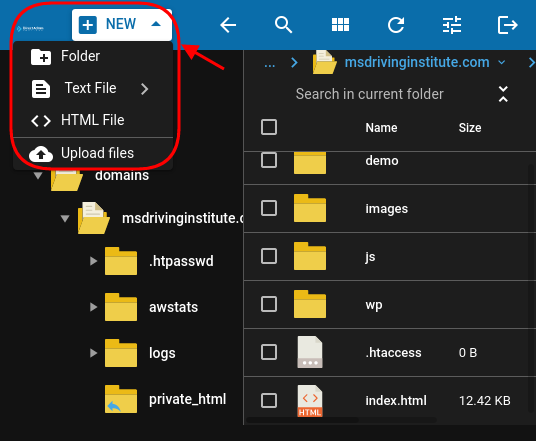
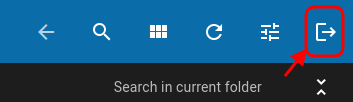
Step 3 : Click on New button on top left, you will now have options to upload files and folder.
|
Not at all
helpful Not much
helpful Some what
helpful Very
helpful Extremely
helpful | ||||||||
What could be better? (Optional)
X
Not related to my issue
Too complicated explanations
Too much information
Incorrect information
Unclear information
Incomplete information
Too old information
Do you have any other feedback about this faq ? 1000
| ||||||||
 ]
]
